What is FLUX 3 Image? Black Forest Labs’ model, explained
FLUX 3 Image is Black Forest Labs’ image model: text-to-image, instruction edits, up to ten references, bounding boxes, 1K to 4K output. What it does, and when.
 Flux 3 Image Team
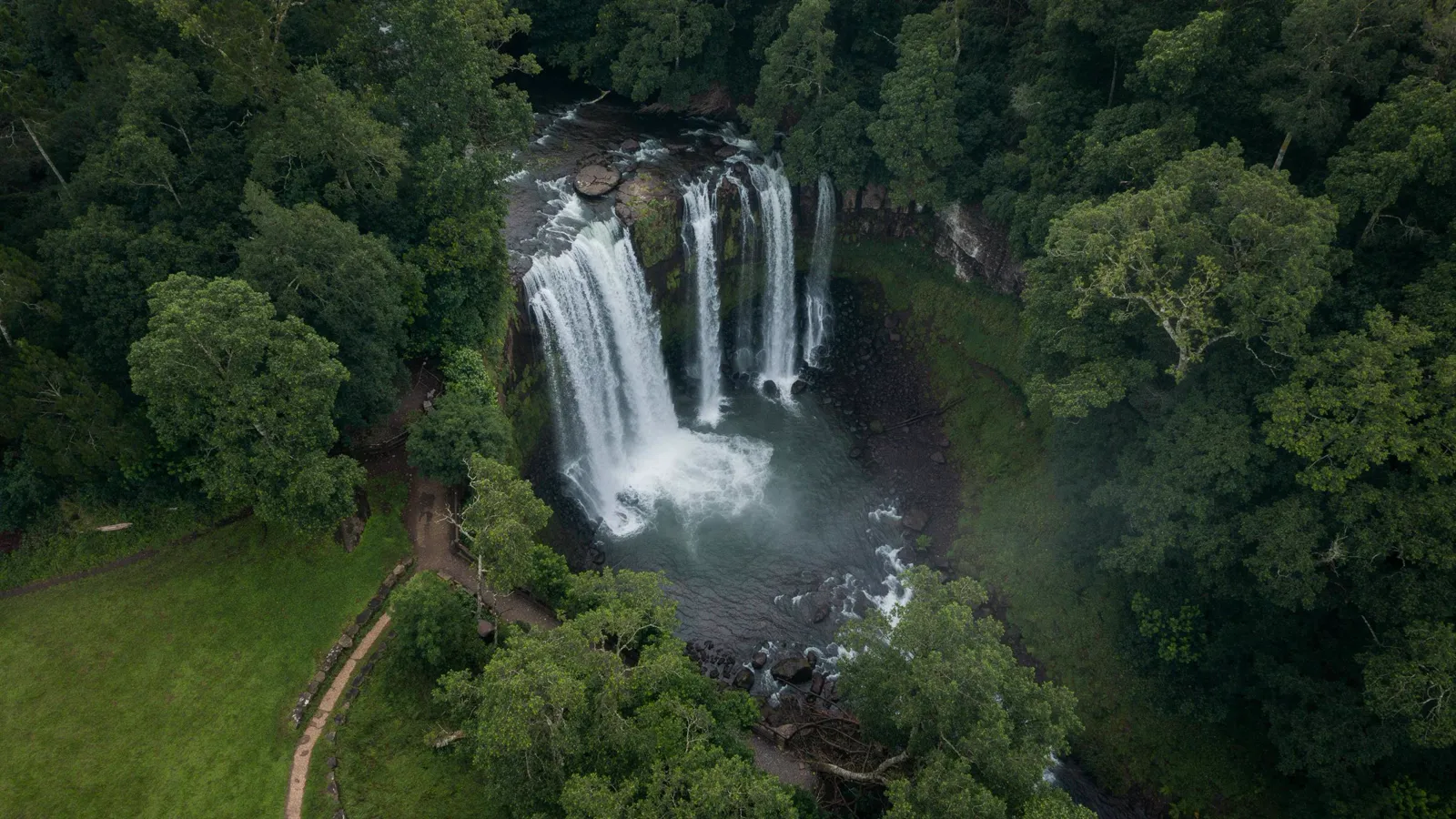
FLUX 3 Image is the image generation and editing model in the FLUX 3 family from Black Forest Labs. This guide sticks to what Black Forest Labs has published about it, read on October 2, 2026, and leaves out anything we cannot back.
TL;DR
- What it is: the image model of Black Forest Labs' FLUX 3 family, announced July 23, 2026.
- What it does: text to image, editing by instruction, composition from up to ten reference images, and bounding boxes that pin each element to a spot in the frame.
- Output: 1K, 2K, or 4K, in fourteen aspect ratios plus Auto.
- Where to run it: the generator on this site runs it; one image costs 18, 72, or 245 credits at 1K, 2K, or 4K.
FLUX 3 Image at a glance
| FLUX 3 Image | |
|---|---|
| Maker | Black Forest Labs |
| Family | FLUX 3 (announced July 23, 2026) |
| Modes | Text to image; edit with a reference |
| References per request | Up to 10, all uploadable in this workbench |
| Layout control | Bounding boxes on a 0–1000 grid |
| Text in images | Documented strength, including non-Latin scripts |
| Resolutions | 1K (~1 MP), 2K (~4 MP), 4K (~16 MP) |
| Aspect ratios | 21:9 to 1:2, fourteen fixed, plus Auto |
| Price here | 18 / 72 / 245 credits per image at 1K / 2K / 4K |
Who makes it
Black Forest Labs is the lab behind the FLUX models, the line that started with FLUX.1 and continued through the FLUX.2 generation. FLUX 3 is the third generation. BFL's model page sums FLUX 3 Image up as "maximum control over every pixel."
Flux 3 Image, this site, is an independent workbench that runs FLUX 3 Image for text-to-image and editing. We are not affiliated with, endorsed by, or sponsored by Black Forest Labs; FLUX is their trademark, used here only to identify the model we provide access to.
What FLUX 3 Image does
Text to image
Describe the subject, setting, light, and framing and the model renders the whole scene. BFL highlights prompt following and accurate lettering. The published samples include a stamp with its denomination, a magazine cover with its title, and a collage with a designer's name set in type. Here is one, with the prompt BFL published beside it:
Prompt
A 1975 Congo airmail stamp of two sprinters mid-stride, 150F, centered on a dark green felt background.
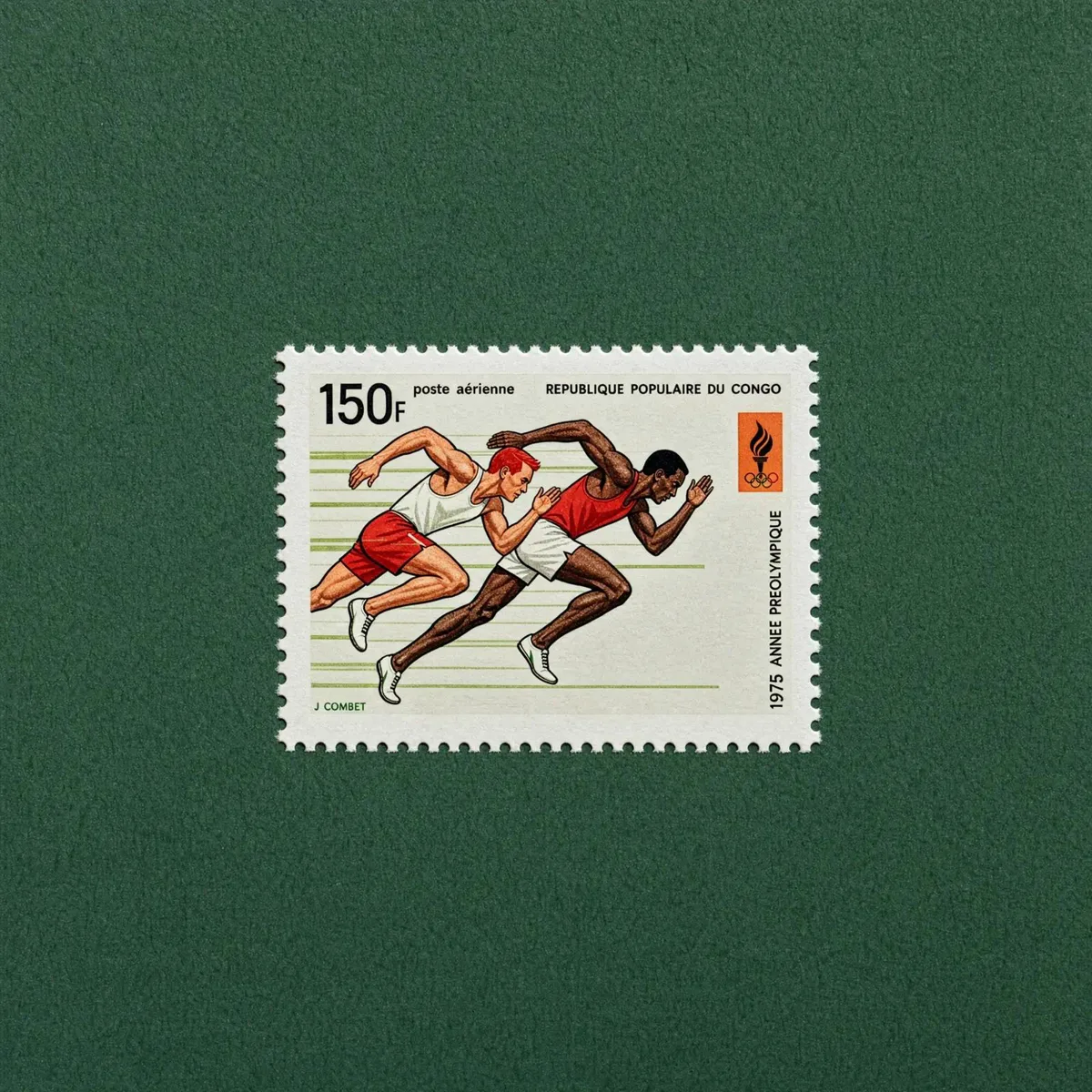
The denomination, the sprinters, and the felt background are each named in the prompt, and each lands where the prompt puts it. Click Use this prompt to load it into the generator as written.
Lettering that stays legible
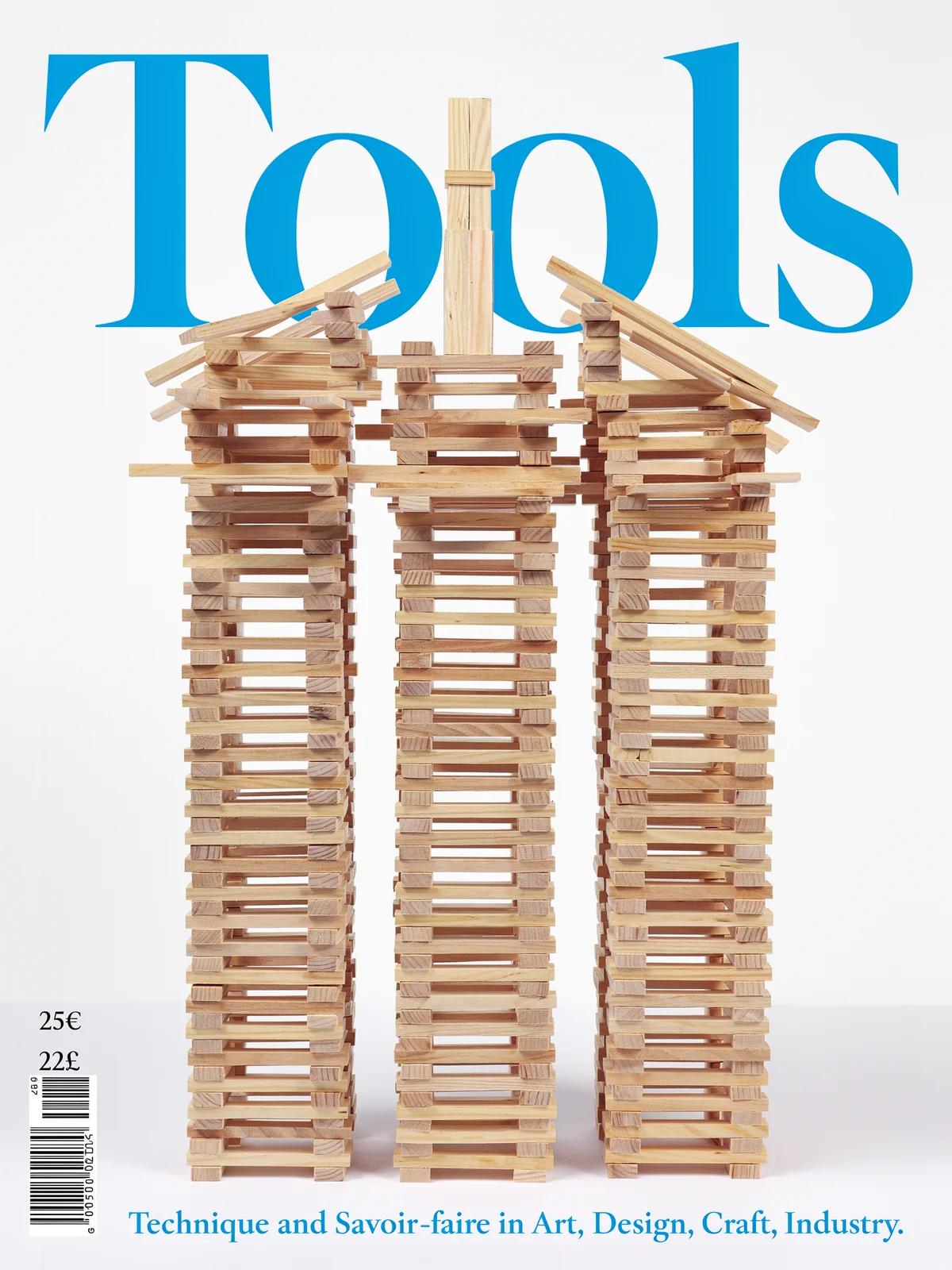
Short, quoted text is where the model is most dependable: a title, a label, a word on a shirt. Put the exact words in quotation marks and say where they go.
Prompt
A design journal cover titled Tools in blue serif, with three towers of stacked wooden planks on white.
Editing by instruction
Attach an image and write the change as an instruction. BFL's documented examples are small and specific: change the color of one bird in a flock, swap a plate for a burger, remove a cat. Name what should change and what should stay. In the generator, adding a reference switches to editing automatically; the reference must be at least 256 pixels on each side and at most 4 megapixels.
Multi-reference composition
The model accepts up to ten images in one request. You refer to each by position, image 1, image 2, and say what it contributes: the person from image 1 wears the jacket from image 2 and stands in the kitchen from image 3. With Auto, the output keeps the aspect ratio of the first image. The composer here takes up to ten references and numbers them on the prompt box in the order they are sent.
Bounding boxes
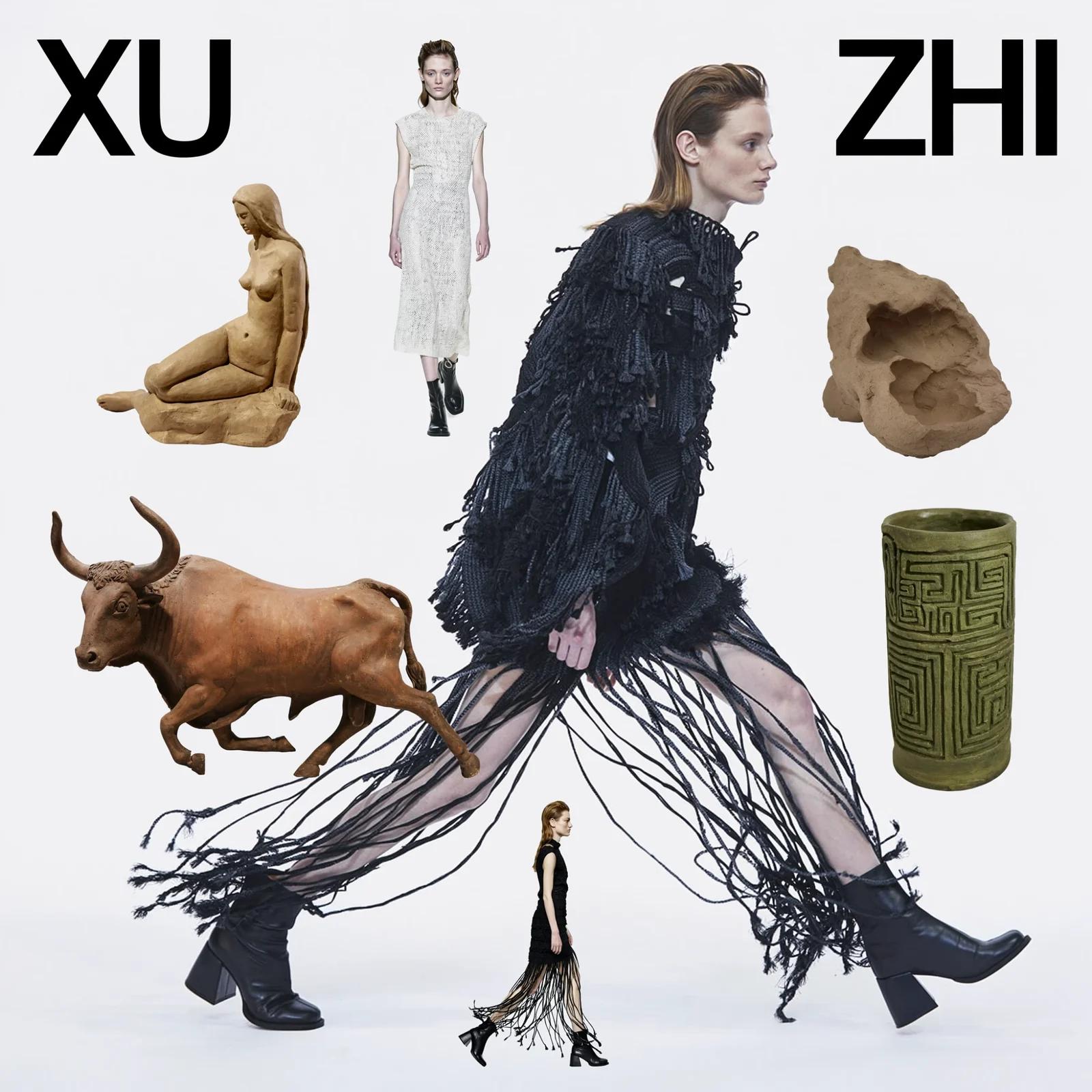
To fix where every element goes, append boxes to the prompt, each one [top, left, bottom, right] on a 0 to 1000 grid with a short description. On a finished image the same boxes target an edit. The full method, with three prompts you can copy, is in FLUX 3 Image bounding boxes.
Prompt
A fashion collage titled XU ZHI: a model in black fringed knitwear striding among clay sculptures on white.
Resolutions, ratios, and price
Our workbench offers three resolutions. The credit price is printed on the prompt box before you run, and the same price applies to text prompts and reference edits.
| Resolution | Size | Credits per image |
|---|---|---|
| 1K | about 1 megapixel | 18 |
| 2K | about 4 megapixels | 72 |
| 4K | about 16 megapixels | 245 |
Fourteen aspect ratios are supported: 21:9, 2:1, 16:9, 3:2, 7:5, 4:3, 5:4, 1:1, 4:5, 3:4, 5:7, 2:3, 9:16, and 1:2, plus Auto, which follows the reference or falls back to square. Credits come with a Lite, Pro, or Ultra plan; see the pricing page and how credits work.
What this site does not offer
Black Forest Labs' own API documents web grounding (searching the web before generating) and returns the expanded prompt it rendered from. This workbench uses neither: it does not search the web before generating, and the result contains the images only. So it does not promise web-grounded output, and it does not show an expanded prompt.
BFL has also not published a side-by-side benchmark against FLUX.2 that we can quote, so we will not invent one.
How to start with FLUX 3 Image
- Open the generator and sign in with Google.
- Write the scene, or pick one of the examples on the homepage to start from BFL's published prompt.
- Choose a resolution and an aspect ratio; the credit price updates on the prompt box.
- To edit, attach a reference and write the change as an instruction.
Want layout control first? Read the bounding box guide. Want to know what you will pay? Read how credits work.
Timeline
- July 23, 2026: Black Forest Labs announces the FLUX 3 family.
- October 2, 2026: BFL's FLUX 3 Image model page and documentation are publicly available.
- October 15, 2026: BFL releases FLUX 3 Image Klein, a 5.6B open-weights model in the same family.
FAQs about FLUX 3 Image
What is FLUX 3 Image?
The image generation and editing model in Black Forest Labs' FLUX 3 family. It turns a text prompt into an image, edits an image by instruction, and can combine up to ten references.
Is this the official FLUX 3 Image site?
No. Flux 3 Image is an independent workbench that runs the model. Black Forest Labs' official pages are on bfl.ai.
Can FLUX 3 Image put readable text in an image?
Yes, accurate lettering is one of the strengths BFL documents, including non-Latin scripts. Quote the exact words and say where they go; short titles are more reliable than paragraphs.
How many reference images can I use?
Up to ten per request, the model's limit. The composer numbers them 1 to 10 so you can name each one in the prompt.
What resolutions does FLUX 3 Image support here?
1K, 2K, and 4K, at 18, 72, and 245 credits per image.
Is FLUX 3 Image free to use here?
No. Generations use credits from a Lite, Pro, or Ultra plan; the pricing page lists every plan. If a generation fails, its credits come back automatically.
Sources: Black Forest Labs, bfl.ai/models/flux-3-image; docs.bfl.ai FLUX 3 Image overview and editing pages; bfl.ai/blog/flux-3. Read October 2, 2026. Images on this page are official FLUX 3 Image samples by Black Forest Labs, not generated by this site.