Flux 3 Image
Step 1
Describe it
Subject, style, lighting, and any text you want in the frame.
Generate from a prompt, edit a photo by instruction, compose from up to ten reference images, or place every element with bounding boxes. Runs in the browser, priced per image in credits, with every output yours to use commercially.
Every new account starts with 5 signup credits. Paid plans open once pricing is finalized.
flux3image.app provides access to FLUX 3 Image, a model by Black Forest Labs, through its API. We are an independent product, not affiliated with, endorsed by, or sponsored by Black Forest Labs.
Examples
Sample images © Black Forest Labs — official FLUX 3 Image demos, shown to illustrate the model. Captions are the prompts Black Forest Labs published with each image. Not produced by this site and not generated by our workbench.
How it works
No software to learn. If you can describe it, you can make it.
Step 1
Subject, style, lighting, and any text you want in the frame.
Step 2
Optional. Upload an image and describe the change; FLUX 3 Image edits what you name and keeps the rest.
Step 3
Refine with follow-up prompts. Failed runs refund their credits automatically.
Model brief
FLUX 3 Image is the image model in the FLUX 3 family from Black Forest Labs, announced on July 23, 2026. These are its core capabilities and output options.
Describe the subject, setting, light, and framing in detail.
Combine them into one composition.
Readable lettering in multiple languages.
Change one element. The rest stays put.
Place every element on a 0 to 1000 grid.
1K, 2K or 4K output in fourteen aspect ratios.
Output at 1K (about 1 MP), 2K (about 4 MP), or 4K (about 16 MP). Fourteen aspect ratios plus Auto, which follows the reference image. Our fal edit integration accepts one reference, at least 256 pixels per side and at most 4 MP.
Four jobs this workbench does daily, each matched to something FLUX 3 Image is documented to do.
Build banners and social posts that leave the generator with a readable headline, supporting line, and button already in place. Put the words in quotes and say where they go. Need five variants for a test? Change only the headline between runs; an instruction edit keeps the rest of the composition identical, so you can ship a whole test matrix without opening a design tool.
Run this in the generatorUpload a clean shot of your product as image 1 and a scene as image 2, then tell the model how they relate: the bottle from image 1 on the counter from image 2. FLUX 3 Image takes up to ten references, so a lookbook, a packshot series, or a try-on can all come from the same handful of inputs.
Run this in the generatorUpload a photo and change the background, the lighting, the jacket color, or the whole setting with one instruction. Because the edit is targeted, the person stays recognizably the same and you refine the same image step by step instead of starting over each time.
Run this in the generator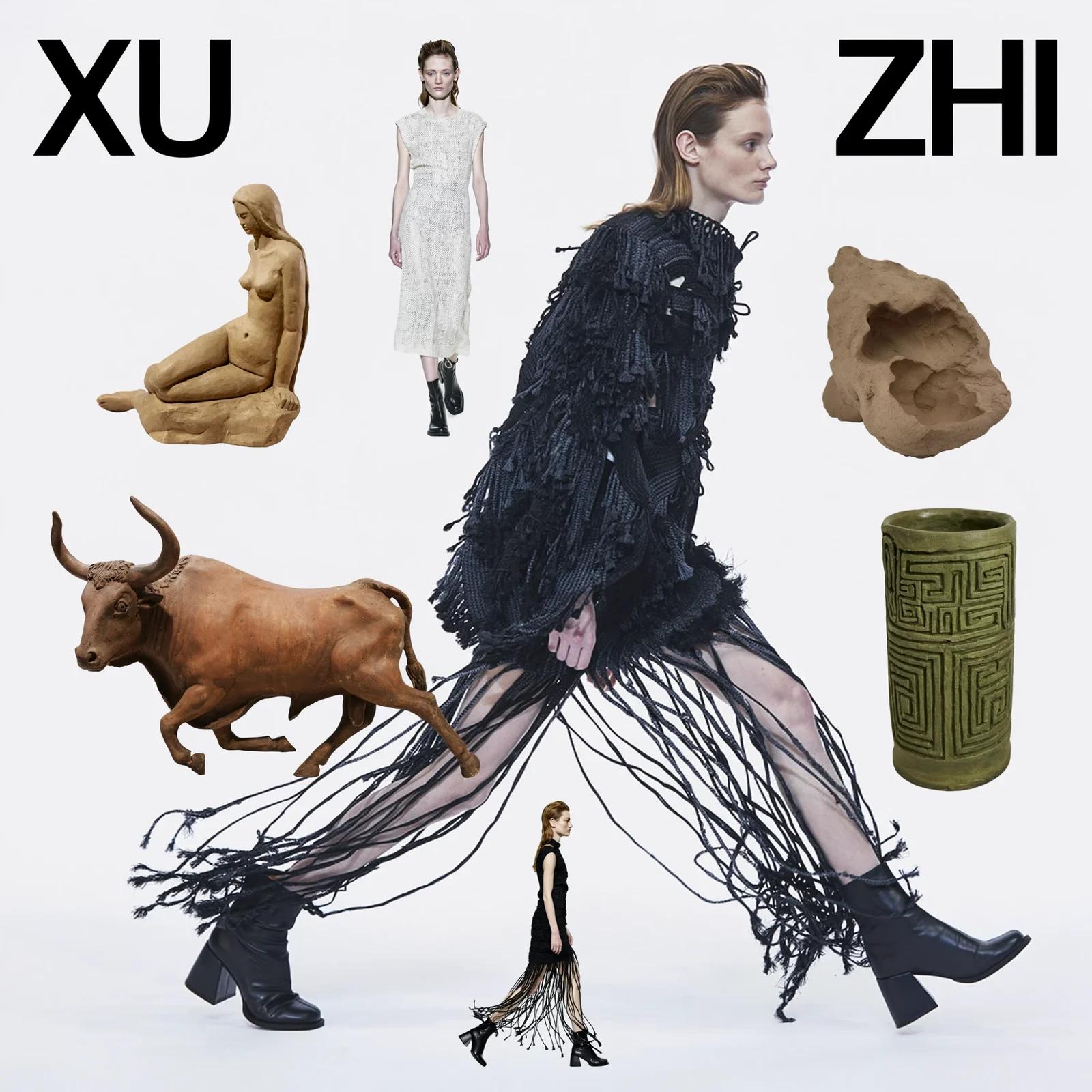
When placement matters, append bounding boxes to the prompt: each box is [top, left, bottom, right] on a 0 to 1000 grid, with a short description of what goes inside. Title top left, product center, caption bottom right. The same boxes let you recolor, move, replace, or remove one element of a finished image while the rest stays unchanged.
Run this in the generatorSix things you can rely on, none of them a roadmap promise.
Headlines, labels, packaging copy, stamps, magazine covers. FLUX 3 Image places readable type where you ask for it, including non-Latin scripts, so a poster comes out of the generator with its words intact.
Describe the subject, setting, light, and framing. FLUX 3 Image follows detailed prompts to render a well-composed scene. Our fal integration does not expose BFL's web-grounding option.
Write the change as an instruction: recolor one bird, swap a plate, make the bed. The element you named changes and everything else in the frame stays where it was.
Upload an image and describe the change, or send several and say how they relate: the person from image 1 wears the jacket from image 2. FLUX 3 Image takes up to ten references, each referred to by its position.
FLUX 3 Image is the only model in the workbench, named in full on the prompt box with its credit price. 1K, 2K, and 4K output; the resolution moves the price, nothing else does.
A failed generation refunds its credits automatically. You only ever pay for images you actually receive.
Four habits that consistently improve results with FLUX 3 Image, from our guide to bounding boxes. →
Put text you want in the image inside quotation marks and say where it goes. Quoted strings render as literals, not suggestions.
For an edit, write the instruction and name the element precisely enough that only one thing in the image matches. Say what stays: everything else exactly unchanged.
With several uploads, image 1 is the first, image 2 the second. Say what each contributes: the scene from image 1, the product from image 2.
Append a box per element, [top, left, bottom, right] on a 0 to 1000 grid, with a short description. It is the surest way to get a title top left and a product center.
Official FLUX 3 Image samples published by Black Forest Labs, each shown with the prompt that produced it. Look at the lettering, the layouts, the range of styles, and the photographic output.
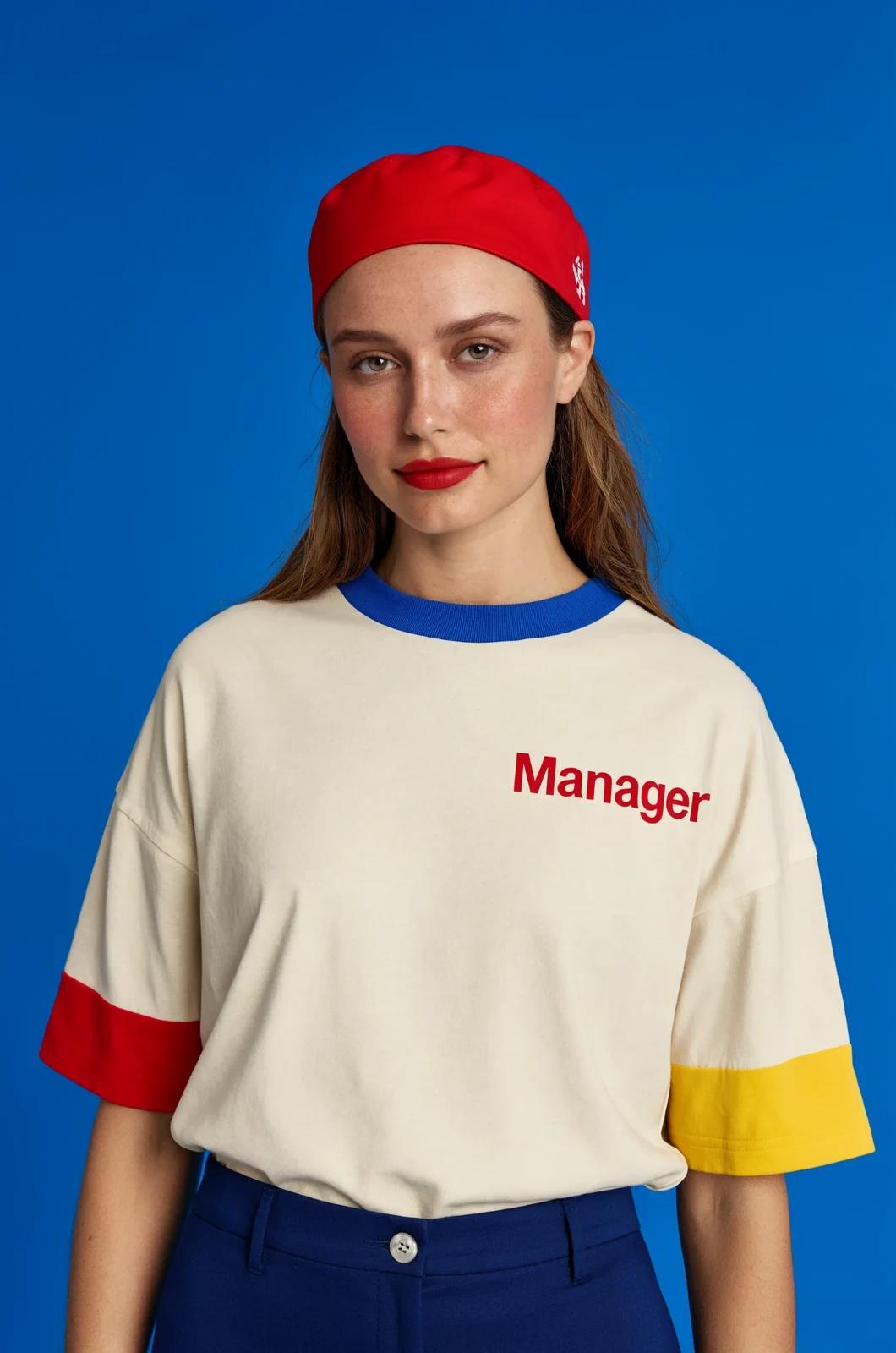
A studio portrait of a woman in a cream tee printed Manager in red, with red and yellow cuffs, on cobalt blue.
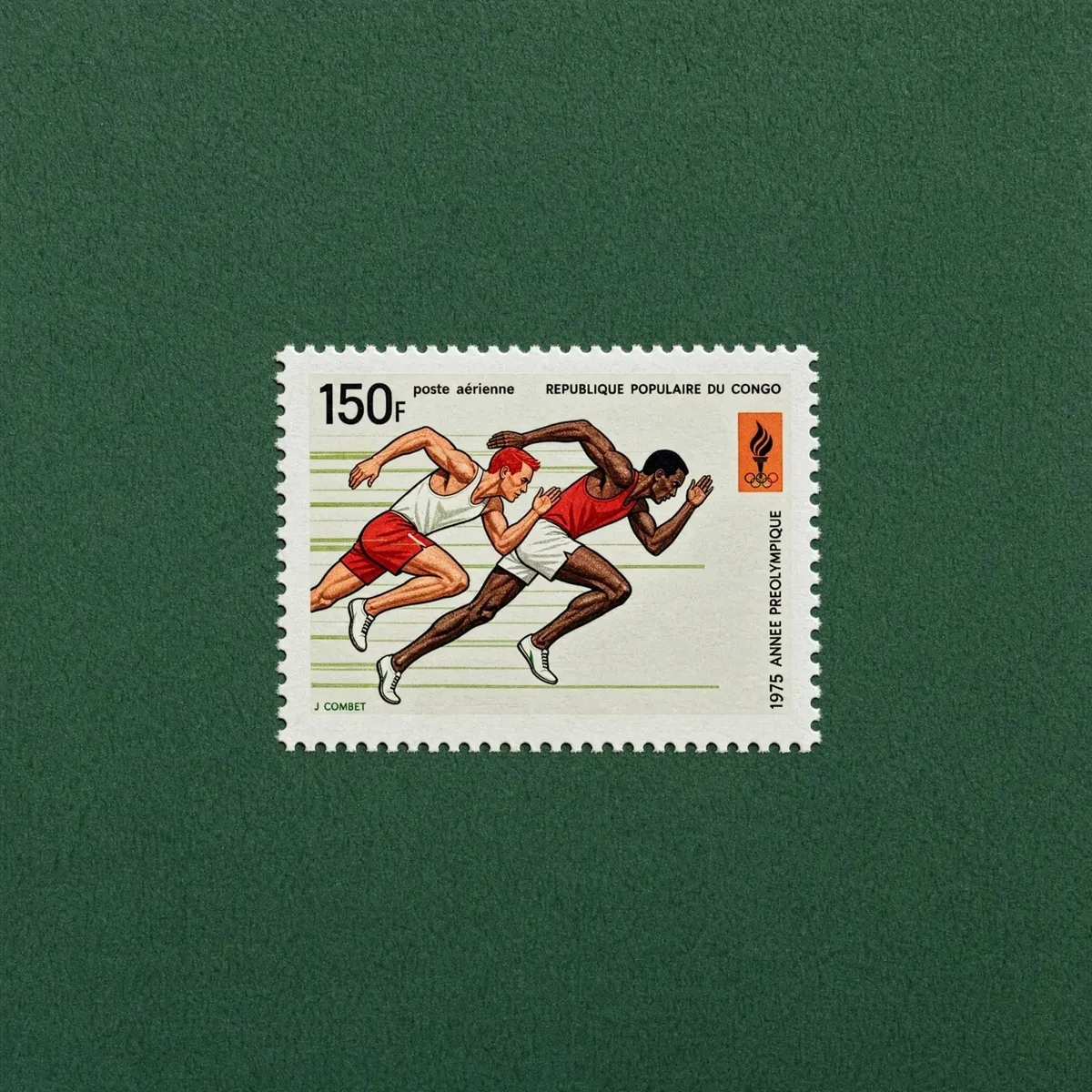
A 1975 Congo airmail stamp of two sprinters mid-stride, 150F, centered on a dark green felt background.
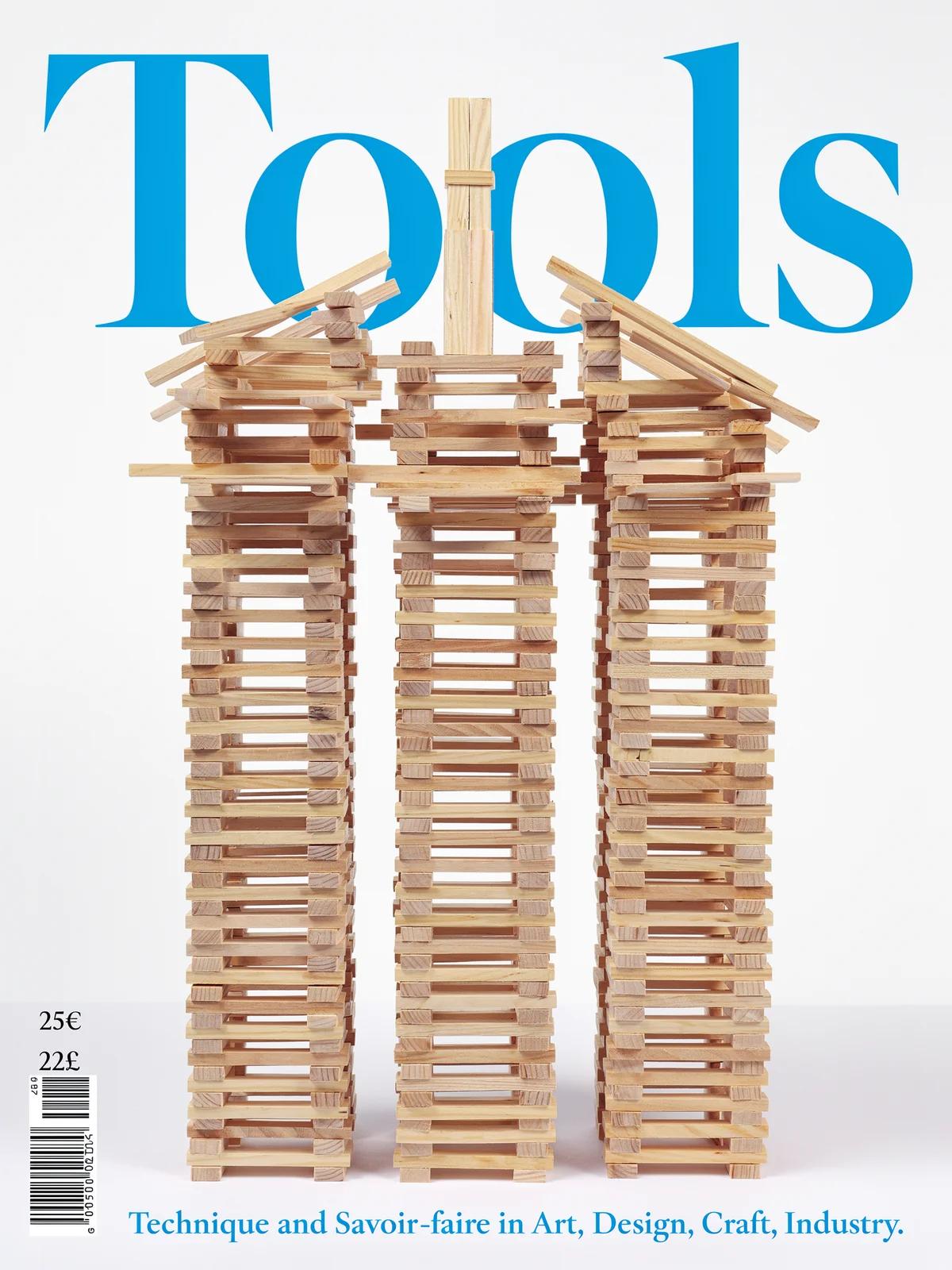
A design journal cover titled Tools in blue serif, with three towers of stacked wooden planks on white.
A fashion collage titled XU ZHI: a model in black fringed knitwear striding among clay sculptures on white.
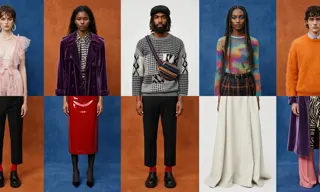
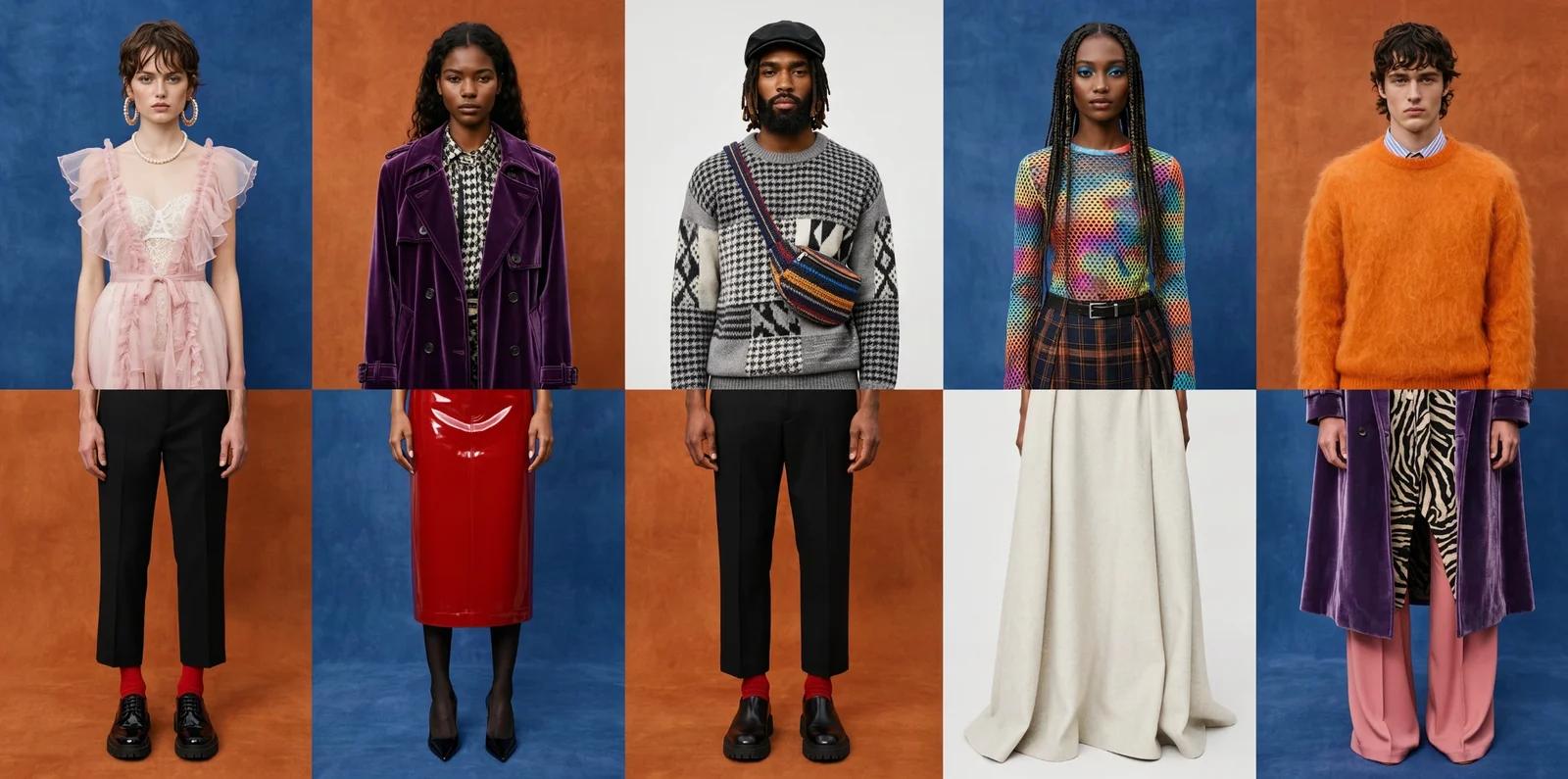
A lookbook lineup of five models in velvet, mohair and patent pieces against blocks of cobalt, rust and white.
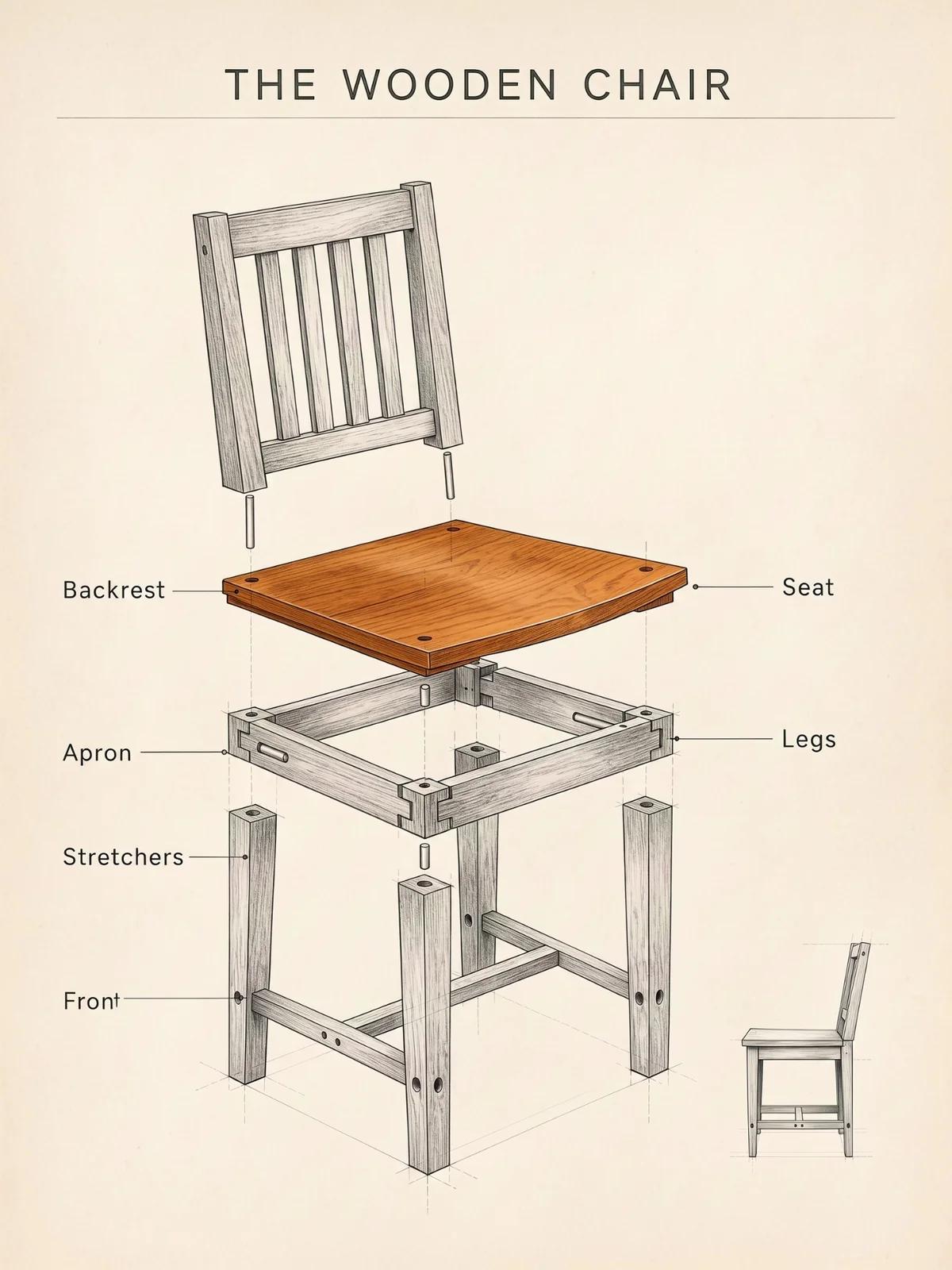
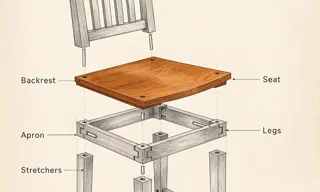
An exploded-view pencil drawing titled The Wooden Chair, with a warm wooden seat and labelled parts on cream paper.
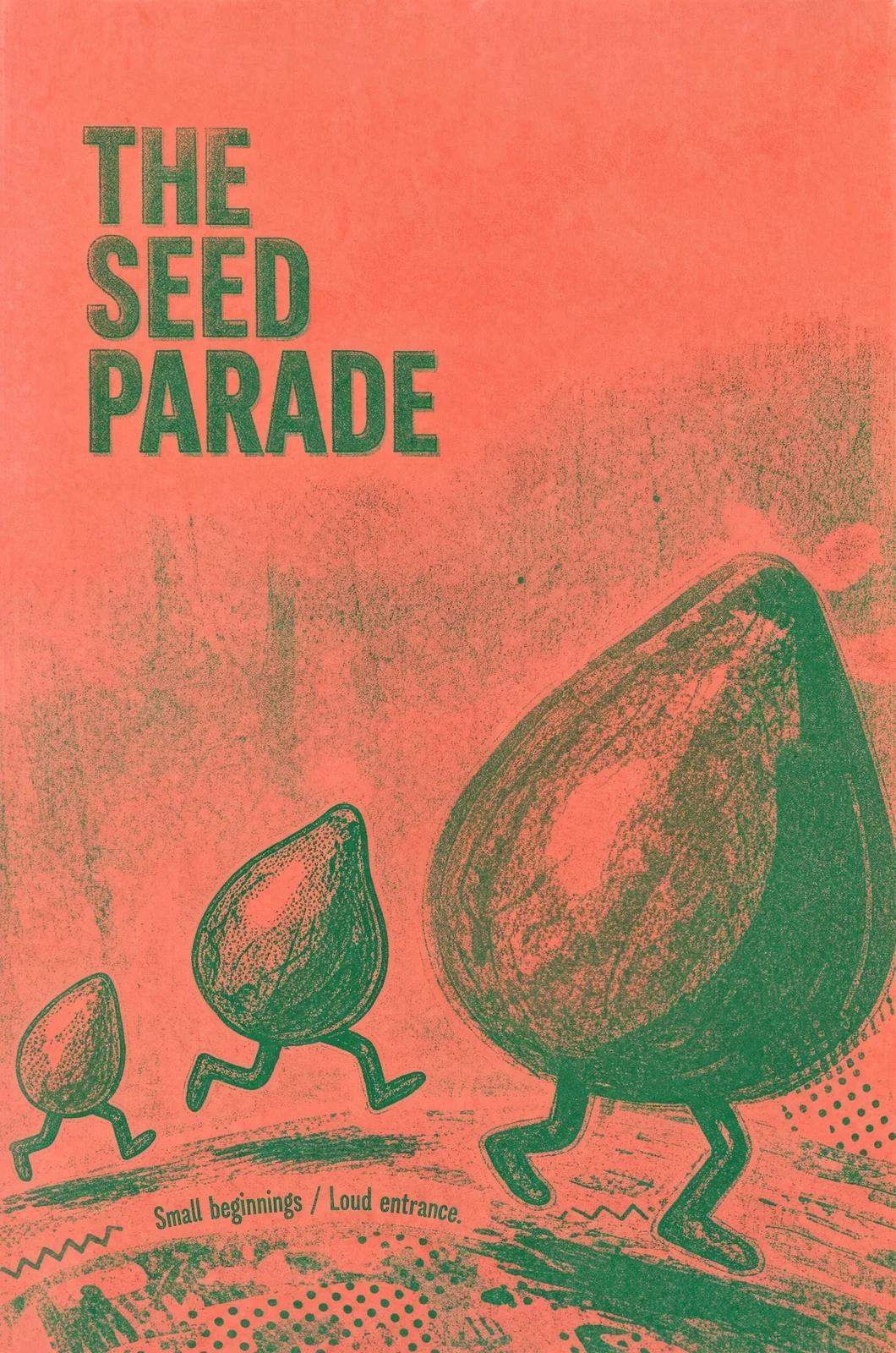
A coral and green risograph poster, The Seed Parade: giant seeds marching on root legs down a dotted street.

A flat black graphic of a fedora with two round eyes peeking out from under the brim and two thin legs, on cream.
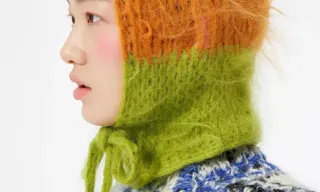
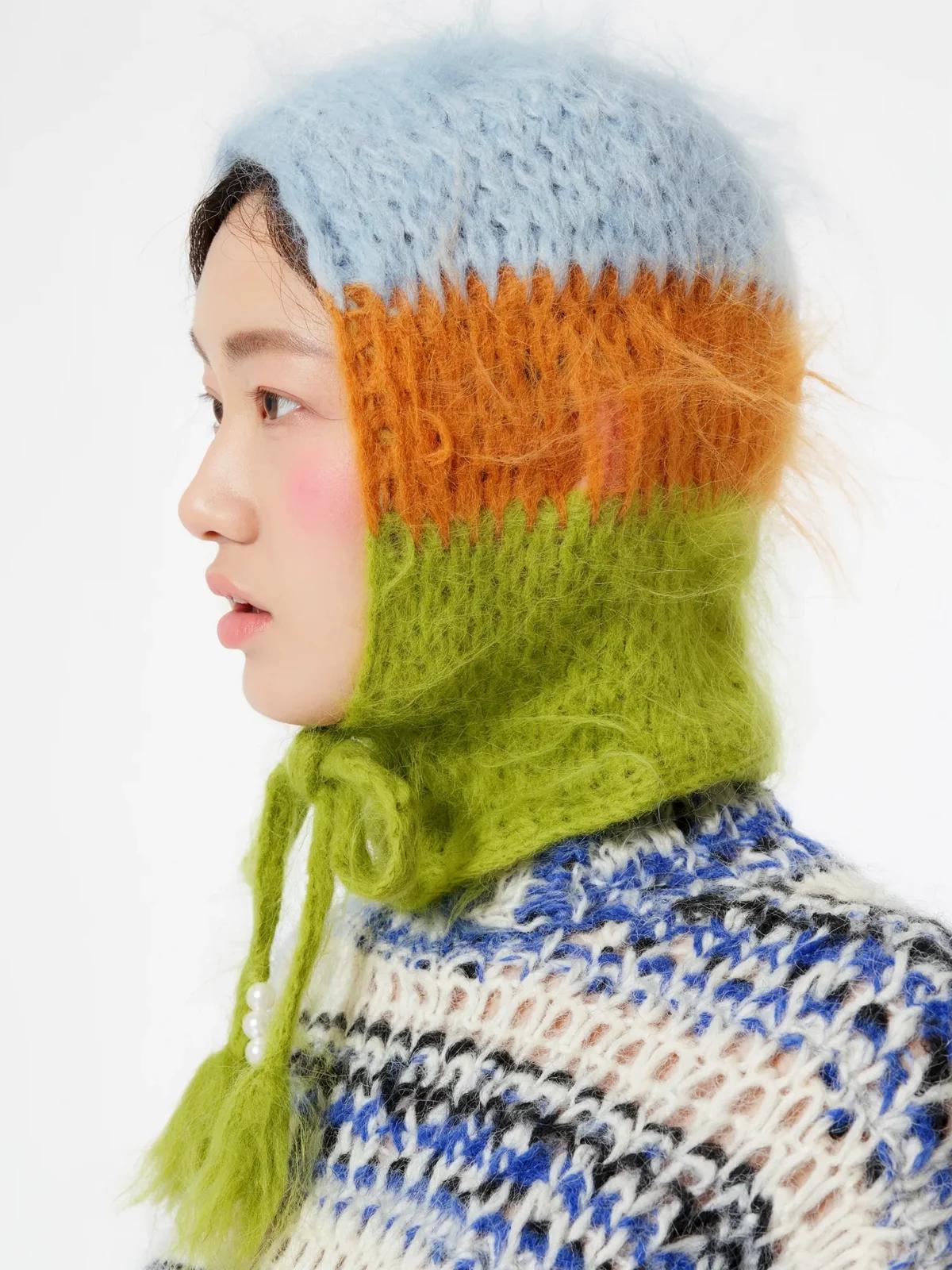
A studio profile of a woman in a fuzzy mohair hood striped pale blue, orange and lime, tied under the chin.
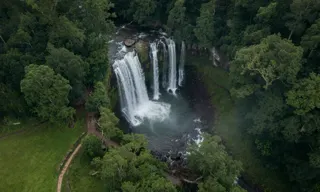
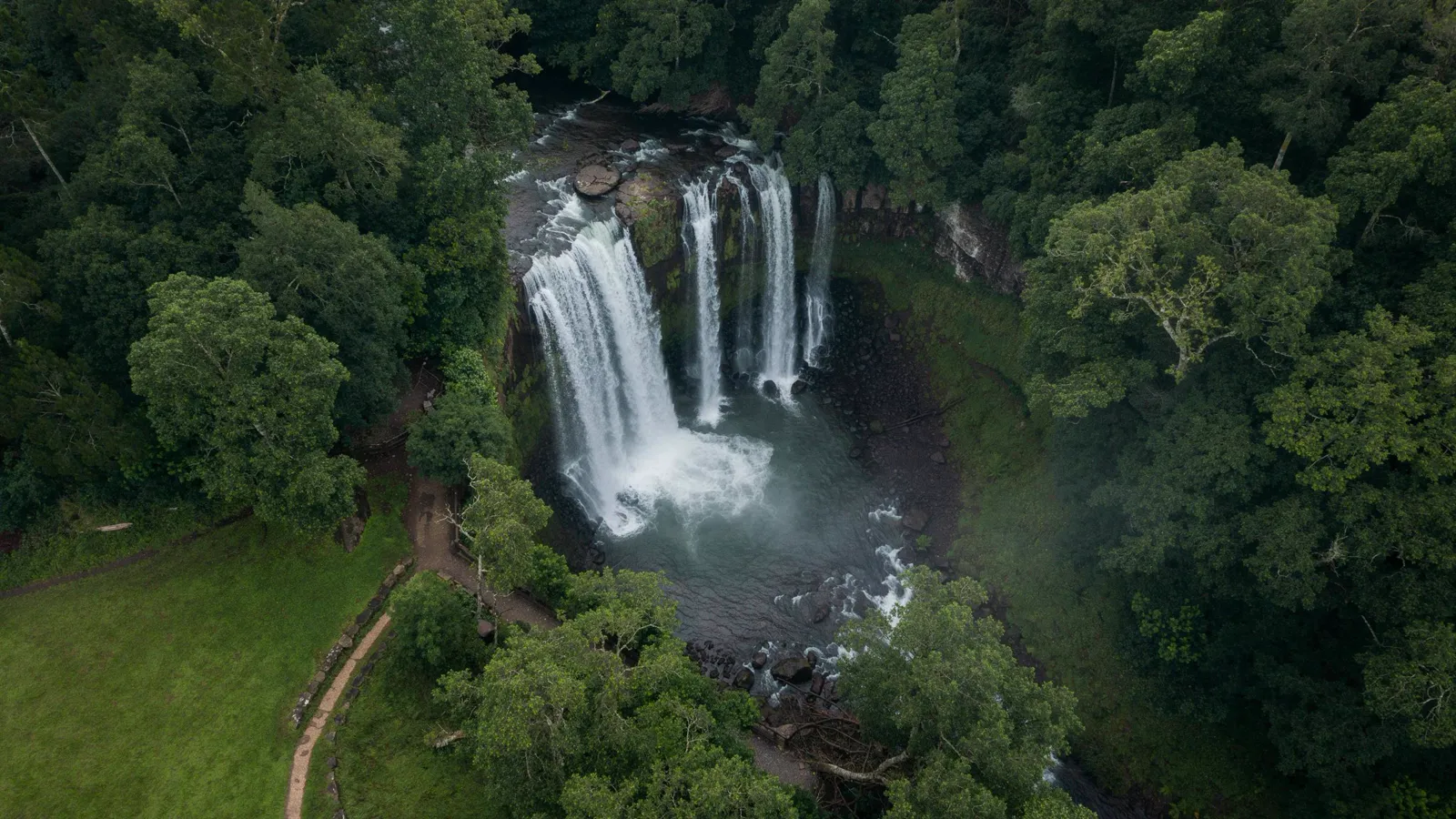
An aerial view of a waterfall cascading through a dense, verdant forest into a misty pool.
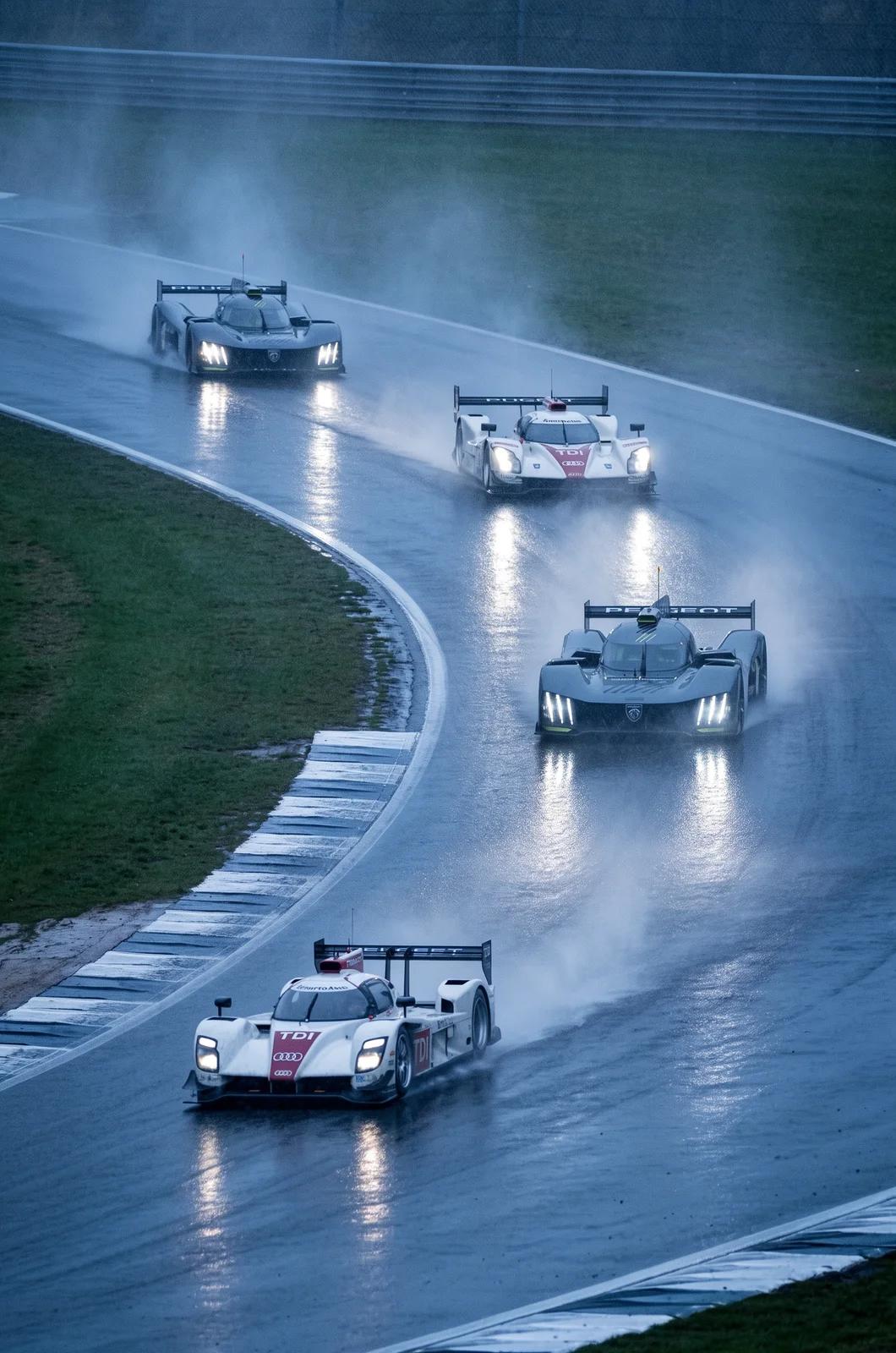
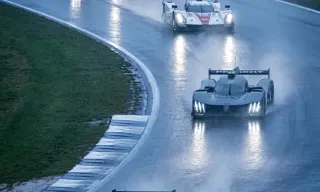
Four prototype race cars kick up spray on a wet, curving track, headlights glowing in the blue dusk.
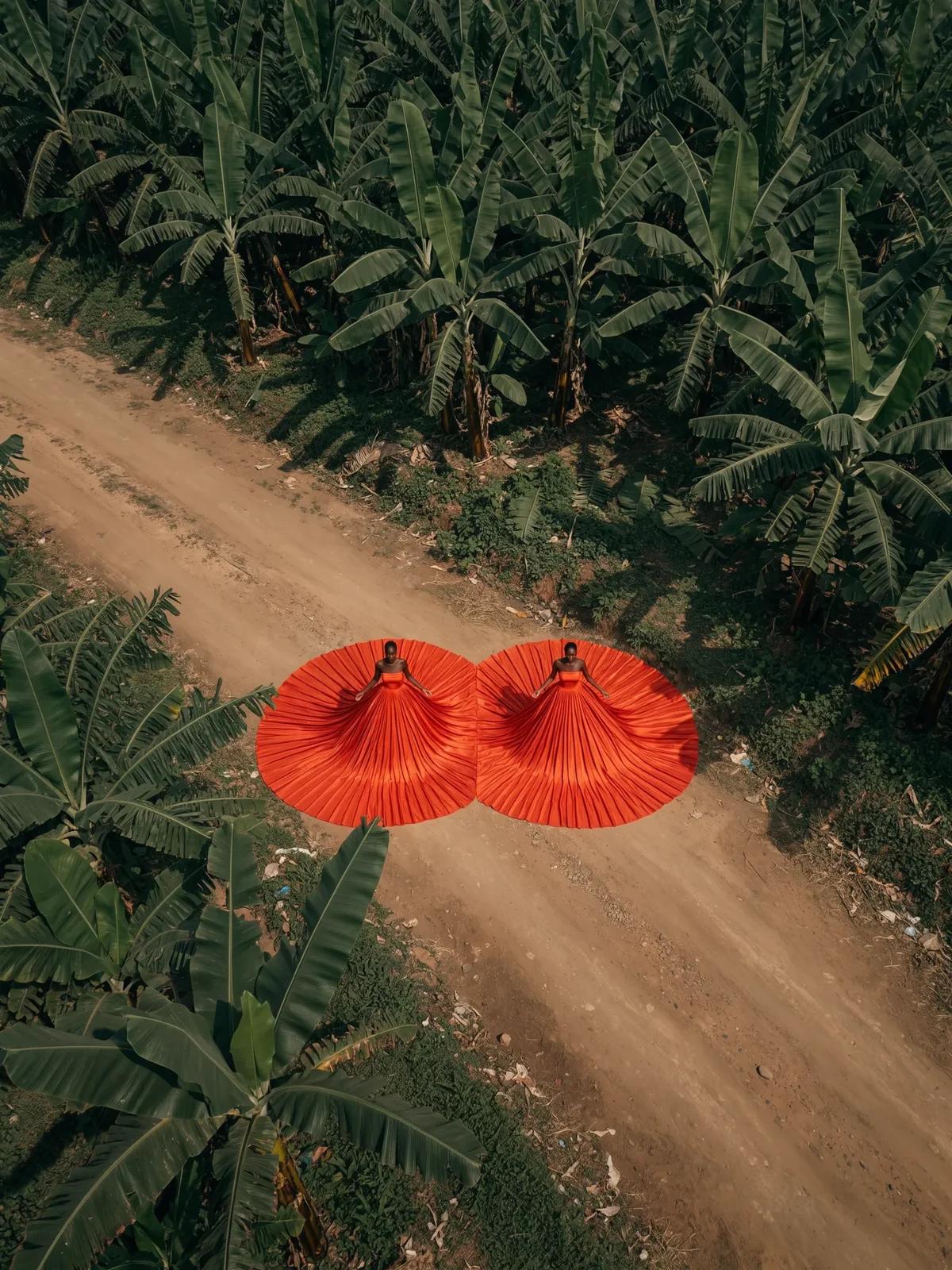
A drone shot of two women in vast pleated red gowns fanned out on a dirt road through a banana plantation.
Sample images © Black Forest Labs — official FLUX 3 Image demos, shown to illustrate the model. Captions are the prompts Black Forest Labs published with each image. Not produced by this site and not generated by our workbench.
Monthly, yearly, or pay once. An image costs 44, 91, or 550 credits at 1K, 2K, or 4K, and failed generations refund automatically.
Paid plans open once pricing is finalized.
Light, steady image work every month
For creators who publish every week
High volume for teams and heavy users
Every new account starts with 5 free credits, no card required.
Everything about the model, the credits, and what you can do with the images.
Product updates, guides, and engineering notes from the team.
Guide
FLUX 3 Image is Black Forest Labs’ image model: text-to-image, instruction edits, up to ten references, bounding boxes, 1K to 4K output. What it does, and when.
Guide
How FLUX 3 Image bounding boxes work: one [top, left, bottom, right] box per element on a 0–1000 grid, to place elements or edit one spot in a finished image.
Guide
A FLUX 3 Image generation costs 44, 91, or 550 credits at 1K, 2K, or 4K. How credits are granted, when they expire, and what refunds itself.
Create an account with 5 signup credits and be first in line when plans open.
The generator accesses FLUX 3 Image by Black Forest Labs through fal. Text prompts and reference-image edits use separate endpoints for the same model, with the credit price shown on the prompt box. Flux 3 Image, the site, is an independent workbench; FLUX is a trademark of Black Forest Labs and is used here only to identify the model we provide access to.
One image costs a fixed number of credits shown on the prompt box, 44 at 1K, 91 at 2K, 550 at 4K, and a failed run refunds itself. Image generation is bursty work: a campaign week, then quiet. A subscription bills you for the quiet weeks; a one-time pack does not, so both will be offered. New accounts start with 5 free credits that never expire and count toward your first image once you add a plan or pack.
Sources: Black Forest Labs model and layout documentation; fal's blackforestlabs/flux-3/text-to-image and edit-image API schemas. Read October 2, 2026.
Read the FLUX 3 announcement